A trades business can use AI well, and the place to start is the desk, not the site. In UK official data, 13% of construction businesses use AI, against 58% in information and communication. The work that sticks first is the paperwork after the job: quotes, job notes, customer messages and invoices. Start there, and keep safety and sign-off with a named person.
Why is AI use so low in construction and the trades?
The most likely reason is that trades work happens with hands and tools, while the jobs AI does best sit around the edges of it. The numbers first, then my reading of them.
The Office for National Statistics (ONS) reported on 20 July 2026, from its Business Insights and Conditions Survey, that about 35% of UK businesses with 10 or more employees use at least one AI technology, up from about 12% in late 2023. The fieldwork was in June 2026, with 38,637 businesses responding. By industry, information and communication was at 58% and construction at 13%. The ONS also described adoption to date as "relatively shallow". Its source is Artificial intelligence in UK businesses: 2023 to 2026.
In the US, the Census Bureau's Business Trends and Outlook Survey put national AI use at 19.8% on May 3, 2026, and found that fewer than 20% of firms with four or fewer employees reported using AI. That analysis, Large Firms With at Least 20 Employees Biggest AI Users, covers December 14, 2025 to May 3, 2026 and does not break out construction, so I do not quote a US construction rate from it. Intuit does give one. Its report, published September 30, 2026, draws on 809 US construction owners and senior leaders surveyed in quarterly waves from April 2025 to January 2026, plus payment records, and found that only 7% of US construction businesses pay for AI tools.
Read those three with care. Intuit sells accounting software and counts paid tools only, so free tools are missed. The ONS and the Census Bureau measure different populations in different ways. They do not form one trend line, and I would not quote them as one.
What the sources do agree on is the shape of the use that exists. In the Intuit report, 46% of construction AI users name bookkeeping as their top use, 80% say AI has helped their productivity, and 30% name privacy and security as the biggest barrier. A different survey, the July 2025 NAHB/Wells Fargo Housing Market Index of US single-family home builders, found 20% using AI for advertising and marketing material, 11% for market analysis and project planning, and fewer than 5% for each of ten other business functions. That survey is more than twelve months old, so I use it for the shape, not the level.
My reading: this is not a story of trades businesses being behind. The early use is on the office side of the work, and it is thin. That is where the opening is.
What is the Van Line?
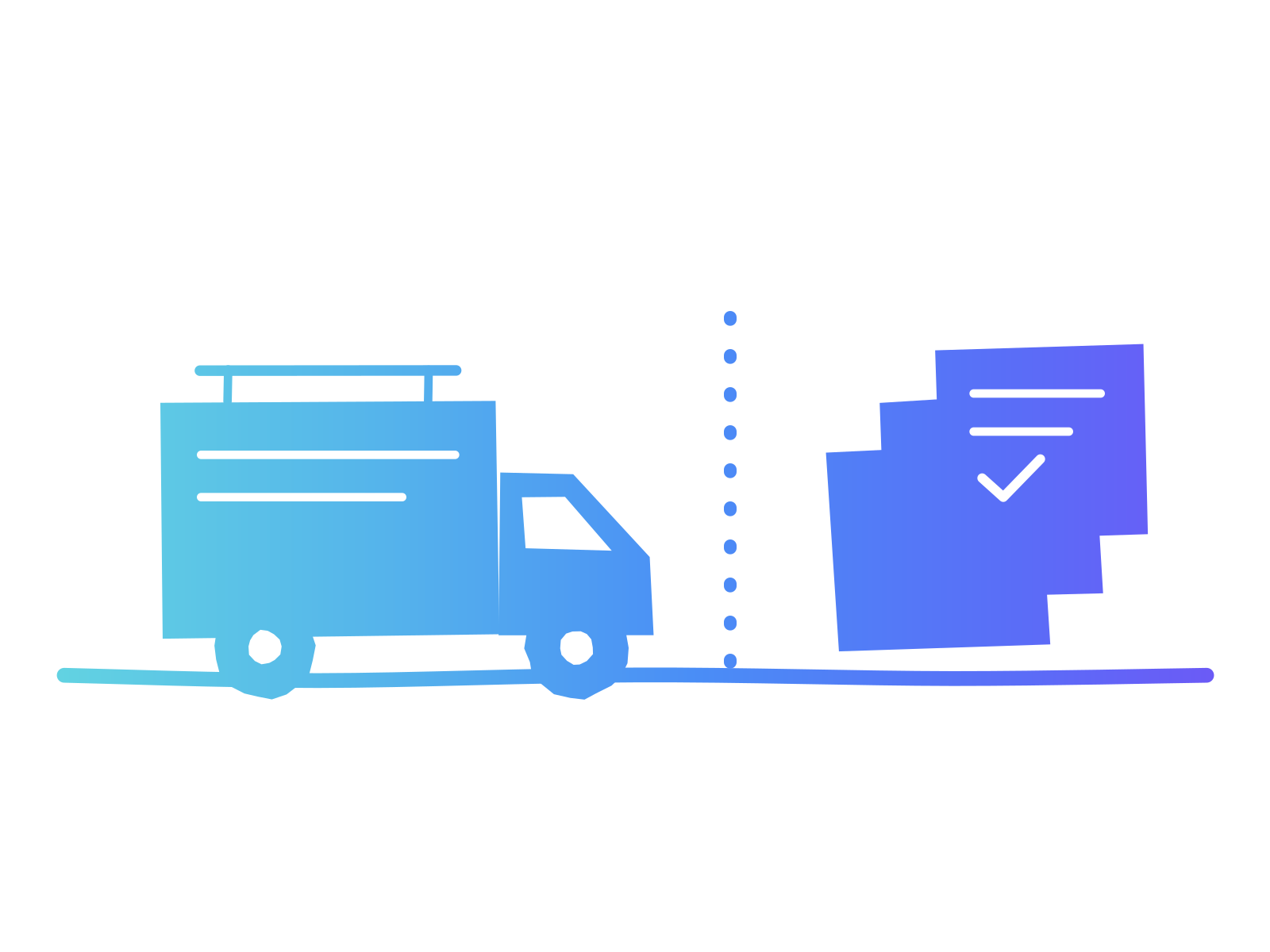
The Van Line is the line between the work a trades business does on site and the work that follows the job. On the site side are hands, tools, safety and sign-off. On the desk side are quotes, job notes, customer messages, invoices, chasing payment and paperwork. Start AI on the desk side, and keep every safety and sign-off decision on the site side with a named person.
This is my suggested way of thinking, not research. It exists to answer the question owners in the trades are most likely to be asking, which is not "should we use AI" but "where is it safe to start". On the site side, a wrong answer can hurt someone or cost a job. On the desk side, a wrong answer can be checked before anyone acts on it.
Which jobs sit on each side of the line?
A first sort takes about ten minutes. The table is a starting point, and your own list will differ.
| Job | Side | What AI can do | What a person must do |
|---|---|---|---|
| Turning site notes into a written quote | Desk | Draft the wording and layout from your own notes | Check quantities, materials and scope against the visit |
| Summary for the customer after a visit | Desk | Turn rough notes into a clear, plain summary | Read it for anything promised that was never agreed |
| Appointment confirmations and "running late" messages | Desk | Draft the message | Send it |
| Chasing a late invoice | Desk | Draft a polite, firm reminder | Choose the tone and decide whether to phone instead |
| Sorting receipts and matching them to jobs | Desk | Suggest categories | Approve before anything reaches the books |
| Scheduling jobs across a week | Edge | Suggest a draft order | Own the final plan |
| Risk assessments and method statements | Site | At most, tidy a draft you wrote | A competent, named person writes and signs |
| Anything involving structure, gas, electrics, fire or load | Site | Nothing without a qualified person | The qualified person decides |
The "edge" row is the honest one. Some jobs straddle the line, and the rule for those is to treat them as site side until you have a month of checked results behind you. If you want the wider picture of finance and admin work, my post on AI for finance and admin in a small business covers it, and AI for sales and marketing in a small team covers the quoting and follow-up side. For the customer-facing messages, see AI for customer service in a small business.
How do you check the work before it leaves the office?
Use a test, not a promise to be careful. The Loop Test is three questions I ask before accepting "a human checks it" as an answer: Would that person notice a wrong result without being told to look for it? Would they notice in time to stop it mattering? And if they missed it, could the work be put back? Oversight that survives all three is a safeguard. Oversight that fails any of them is a signature. I used the same test in AI for small retail and hospitality before the holiday rush.
Take a hypothetical 12-person electrical contractor. The owner writes quotes in the evening from phone notes and a few photos. She tries an AI assistant to turn the notes into a finished quote in the firm's wording. Run the Loop Test on it.
Would the checker notice a wrong result without being told to look for it? Not by reading the quote alone. A wrong quantity of cable looks exactly like a right one on a clean page. So the first rule is that the person who did the visit reads the quote beside their own notes. Would they notice in time? Yes, if the check comes before the quote is sent. Could the work be put back? A quote that has not been sent can be fixed in a minute. A wrong price the customer has accepted is much harder to take back. So the second rule is a hard stop: nothing goes out until the person who saw the job has read it against their notes.
With those two rules, the quote job sits comfortably on the desk side. Without them, it is a risk that happens to look like saved time.
What I See When I Train Business Teams
Across the business teams I train, the first question is almost always about the paperwork that follows the work, not the work itself. People want the evening pile to shrink, and they are right to begin there.
I started as a teacher, and a teacher's first question about any new skill is what the smallest real task is that a person can practice this week. My books, including The AI Classroom and Infinite Education, are written for educators, so I will not pretend they are trades manuals. The habit carries over. A trades team learns AI fastest on a task it already does every week, with a clear check at the end, not in a training room full of examples from other industries.
How should a trades business handle customer data?
Give the AI the job, not the customer. Trades businesses hold more personal detail than they notice: names, addresses, phone numbers, door and alarm codes, key-safe numbers, and photos that show the inside of a home. Intuit's finding that 30% of construction AI users name privacy and security as their top barrier is a sign that owners already sense this.
A simple rule works: strip names, addresses and access details from anything you paste into a general AI tool, and write "the customer" and "the property" instead. The Information Commissioner's Office (ICO) guidance How to use AI and personal data appropriately and lawfully, version 1.0 of 8 November 2022, says that buying an AI system does not transfer your obligations, advises being open with people about how their data is used, and says you are not legally required to publish an AI policy but must still tell people how you use their data. That is UK guidance and it is older than I would like. I have not reviewed US state privacy rules for this piece, so check yours.
Write the rule down in a few lines. Does a small business need an AI policy? shows how short that document can be, and Is your business data ready for AI? helps you decide which records should never go near a general tool.
Does the Small Room Test matter in a small trades firm?
Yes, because in a small trades firm the way AI gets used usually lives in one person's phone. The Small Room Test is one question for any business with fewer than ten people: if the person who knows how you use AI were away for two weeks, would the work carry on the same way? If not, the practice lives in a head and not in the business, and the first job is to write it down before you add anything new. There is more on it in AI for businesses with fewer than 10 people.
For a trades firm, writing it down can be one page: the desk-side jobs where AI is used, the check for each, and where the customer-data rule lives.
What should you do this week?
- List the ten jobs your business repeats most, from first call to final payment. Ten minutes is enough.
- Draw the Van Line. Mark each job S for the site side or D for the desk side, and mark any you are unsure of as S.
- Pick the one D job that eats the most evenings. For many firms it is quotes or chasing invoices.
- Time that job today, by hand, and write down how long it took. You need that figure to know later whether AI helped.
- Do the job with an AI assistant for two weeks, with the person who knows the work doing the check. Run the Loop Test on it and write down the rule that results.
- Write the customer-data rule in three lines and pin it where the team will see it.
- After two weeks, compare the time and the errors with your step 4 figure. Keep, change or drop the job. Then, and only then, move one D job closer to the line.
If you are not sure AI belongs in the business at all yet, How should a small business start using AI? covers the first moves.
Where to take this next
If you want to know where your business stands before you add anything else, the Business AI Readiness Scorecard is a free self-assessment that gives you a plan for the next 90 days. If your team is already using AI and nobody has shown them how to do it well, that is what my AI training for teams is built for. And if you run a trade association, a chamber of commerce or a business network and want owners to leave an event with a clear first move, my business keynotes are built for that.
Sources and further reading
- Office for National Statistics, Artificial intelligence in UK businesses: 2023 to 2026, 20 July 2026. UK, Business Insights and Conditions Survey, fieldwork June 2026, 38,637 responding businesses, headline figures for businesses with 10 or more employees.
- U.S. Census Bureau, Large Firms With at Least 20 Employees Biggest AI Users, last revised May 22, 2026. US, Business Trends and Outlook Survey, December 14, 2025 to May 3, 2026.
- Intuit QuickBooks, construction AI adoption report, September 30, 2026. US, 809 construction owners and senior leaders surveyed April 2025 to January 2026, plus payment records. Vendor research.
- National Association of Home Builders, Eye on Housing blog post on builders' use of artificial intelligence, July 23, 2025. US single-family home builders, July 2025 Housing Market Index survey.
- Information Commissioner's Office, How to use AI and personal data appropriately and lawfully, version 1.0, 8 November 2022. UK.
Dan Fitzpatrick, The AI Educator, is a keynote speaker, Forbes contributor and bestselling author who has trained more than 150,000 people across 30+ countries. About Dan