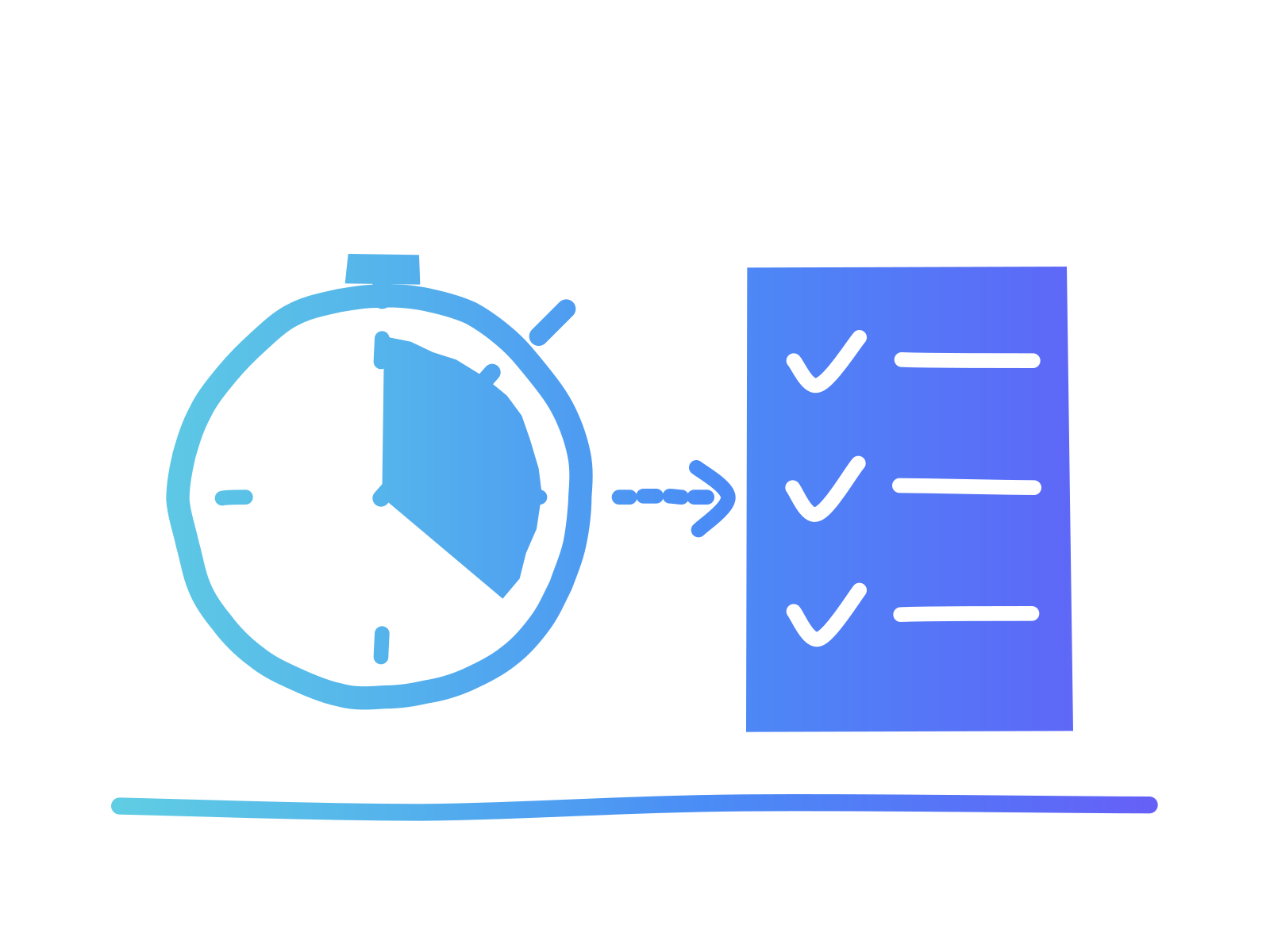
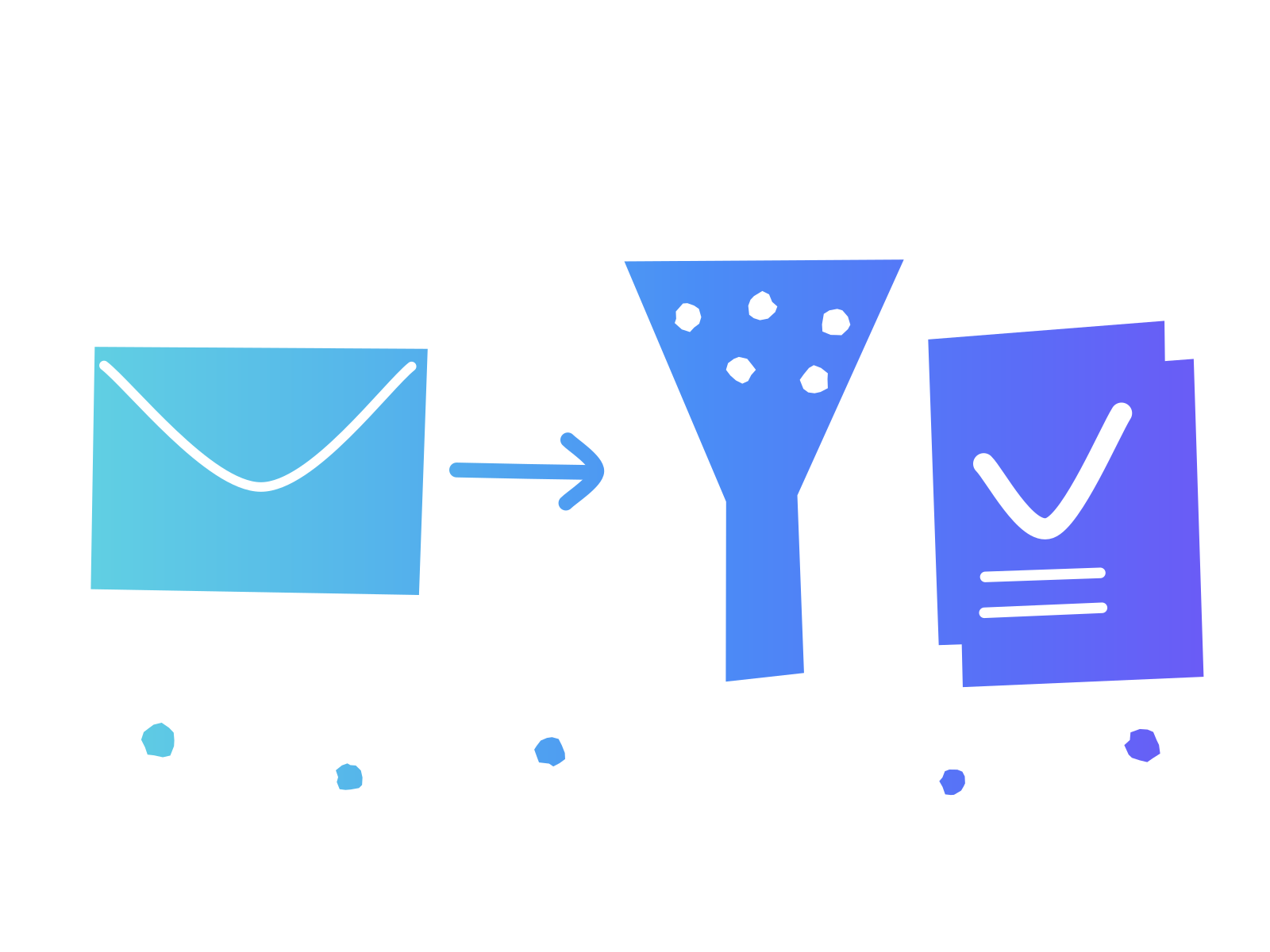
A polished letter citing Article 15 arrives and you suspect a chatbot wrote it. Treat it exactly like any other subject access request (SAR). The ICO says AI use does not make a request invalid, and you must respond as soon as possible and within one month. Log the date, verify identity, find the core ask, search proportionately, and record your decisions.
Why Is an AI-Written Request Still a Valid SAR?
Because the law cares about what is being asked, not how the words were produced. The Information Commissioner's Office (ICO) published guidance on AI-generated subject access requests on 11 November 2026, for organizations across the UK. Its position is short: "A request isn't invalid just because a person used AI to help draft it. You must treat an AI-assisted SAR in the same way as any other SAR." (ICO, 11 November 2026)
That sentence closes the argument most owners want to have. The letter may be too long, too confident, or full of legal phrases that do not quite fit. It is still a request for personal data under Article 15 of the UK GDPR, and the clock is already running.
What Does the ICO Say You Must, Should and Could Do?
The ICO structures its guidance as must, should and could. Here is that structure, read for a small business. This is a summary of the guidance as published on 11 November 2026, so check the page for the full wording.
You must:
- Treat the request like any other SAR.
- Respond as soon as possible and no later than one month. The time limit starts when you receive the request, any ID you need, any proof of authority, or any fee that applies.
- Make a reasonable and proportionate search.
- Apply exemptions as you normally would. There are no AI-specific exemptions.
- Be able to justify it if you decide a request is manifestly unfounded or excessive. Using AI does not make it so by itself.
You should:
- Record your scope decision: whether you sought the requester's views, what you included or excluded, and why.
- Check the correspondence address against your records. If you think a letter of authority was AI-generated, contact the person directly.
- Train the staff who open the post and the shared inbox.
You could:
- Publish optional example prompts or templates that help people ask clearly.
One more point matters for planning. The ICO says the use of AI does not automatically make a SAR complex. You may extend by up to a further two months, but only for a genuinely complex request, and you must contact the person and explain why.
How Do You Respond, Step by Step?
Here is a response sheet you can copy into a shared document. I call the idea behind it the Same Door Rule: every subject access request goes through the same door, however it was written. The door has six steps, and each one ends with something you write down.
- Log the date. Record the day the request arrived and the channel. Write down the date you expect to reply by, counting one month from the day the clock starts.
- Check who is asking. Confirm identity if you have a real doubt, and compare any correspondence address with your records. If a third party is acting for the person and the authority letter looks generated, contact the person directly.
- Find the core ask. Strip the legal language. In one sentence, what does this person want? Often it is a specific dispute, a complaint, or "everything you hold on me".
- Talk to the requester. Ask what they are looking for. You cannot make them narrow the request, but the clock stops while you wait for clarification. Write down what you asked and what they said.
- Decide the search scope. List the systems you will search: email, HR or CRM records, shared drives, and any AI tools that store transcripts or summaries. Decide what you will include and exclude, and why.
- Reply and file. Send the data with the explanations the guidance expects, apply exemptions where they genuinely apply, and keep a copy of your scope record with the case.
If you copy only one line from this section, copy the first one. A dated log is what turns a panicked scramble into a routine.
Can You Refuse or Delay Because AI Wrote It?
Mostly no, and the ICO's wording is careful. Here are the three approaches owners reach for, checked against the ICO's guidance published on 11 November 2026 and its small-organization advice dated 25 September 2026.
Refuse it outright. The ICO's small-organization advice says it is "very unlikely that you'll be able to refuse a request altogether". Even when you refuse part of a request, you still have to respond within one calendar month. A refusal needs a justification you could defend to the regulator.
Treat it as complex and extend. The ICO says AI use does not automatically make a SAR complex. Length alone does not either: a request is not complex just because it involves a large amount of information. Extend only where your search genuinely is complex, and tell the person why.
Respond reasonably and proportionately. This is the route the guidance points to. Search the places the person is likely to appear, record your scope, apply exemptions such as third-party data where they fit, and reply on time.
The ICO also published separate guidance for the public, "Using AI to help write your data protection request or complaint", on 4 November 2026. It tells people to avoid prompts such as "use assertive language" or "add law", and says the ICO may stop responding if contact is unreasonable or persistent. That guidance is about the ICO's own contact with people, so do not read it as a licence to ignore a request you have received.
What Does Your Own AI Add to the Search?
More than most owners expect. If your team uses an AI note-taker, a summarizer, or an analytics feature, those tools may hold personal data about the requester: a transcript of a meeting, a summary of an appraisal, a sentiment score on a customer call. The ICO says metadata that identifies the person falls within the scope of their SAR. Law firm Osborne Clarke makes the same practical point for employers, noting that AI-generated HR documents and analytics can be new personal data you need to find (Osborne Clarke, 17 November 2026).
So add a line to step 5 of the sheet: which AI tools store content, where, and for how long? If you cannot answer that today, that is the useful discovery. Two earlier guides cover the groundwork: what to do when an employee pastes customer data into ChatGPT and how to run an AI note-taker without surprises.
Why Does This Matter Now?
Because the regulator is busy. The ICO's annual report for 2025/26 shows data protection complaints rising to 76,743 from 42,315 the year before, a rise of about 81 percent, with reported personal data breaches up from 12,412 to 17,431 (ICO annual report 2025/26, performance overview). These are UK-wide, full-year figures for all data protection complaints, not only SARs, and the report does not say how many concern SARs. They show the climate: people are asking, and complaints about how organizations answer are going up.
A request written with AI is cheap to send and easy to repeat. Your answer does not need to be cheap. It needs to be on time, proportionate and written down.
What I Tell Business Owners About Letters Like This
My view is that the origin of the letter is the least interesting thing about it. Owners spend their energy on "did a chatbot write this?" when the useful questions are "what does this person actually want?" and "can we find it quickly?" A business that can answer the second pair of questions in a day does not need to win the first argument.
The practical protection is the boring one: a named person who opens requests, a log, a search checklist that includes your AI tools, and a habit of picking up the phone. For more on how I work with leadership teams on this kind of readiness, see my business keynotes.
What Should You Do This Week?
- Name the door. Decide who receives SARs and where they are logged. Put the six steps above in a shared document.
- Brief whoever opens the post. The ICO says to train staff. Fifteen minutes is enough to cover what a SAR looks like and who to hand it to.
- List your AI tools. For each one, note whether it stores transcripts, summaries or scores, and how to search it.
- Draft a clarification email. Write one friendly paragraph that asks what the person is looking for and explains the clock stops while you wait. Keep it ready.
- Do a ten-minute dry run. Take an imaginary request and walk it through the six steps. Whatever slows you down is what to fix.
Where Can You Get Help Building This?
If your team needs a shared way of working with AI that includes handling personal data, my AI training for business covers it, and my strategy and governance work helps leadership teams set the rules. To see where your organization stands first, take the business AI readiness check.
This article is general information, not legal advice. For a specific request that is complex, disputed or involves a regulator, talk to a qualified adviser.
Sources and Further Reading
- ICO: Subject access requests generated by artificial intelligence, published 11 November 2026
- ICO: Subject access requests guidance and the ICO small-organization subject access request advice, page dated 25 September 2026
- ICO: "Using AI to help write your data protection request or complaint", published 4 November 2026
- ICO annual report 2025/26, performance overview, dated 14 July 2026
- Osborne Clarke: ICO flags same rights, new practical challenges for AI-assisted data subject access requests, 17 November 2026
Dan Fitzpatrick is a keynote speaker, bestselling author and Forbes contributor who has trained more than 150,000 educators in over 30 countries. Read more about Dan.